
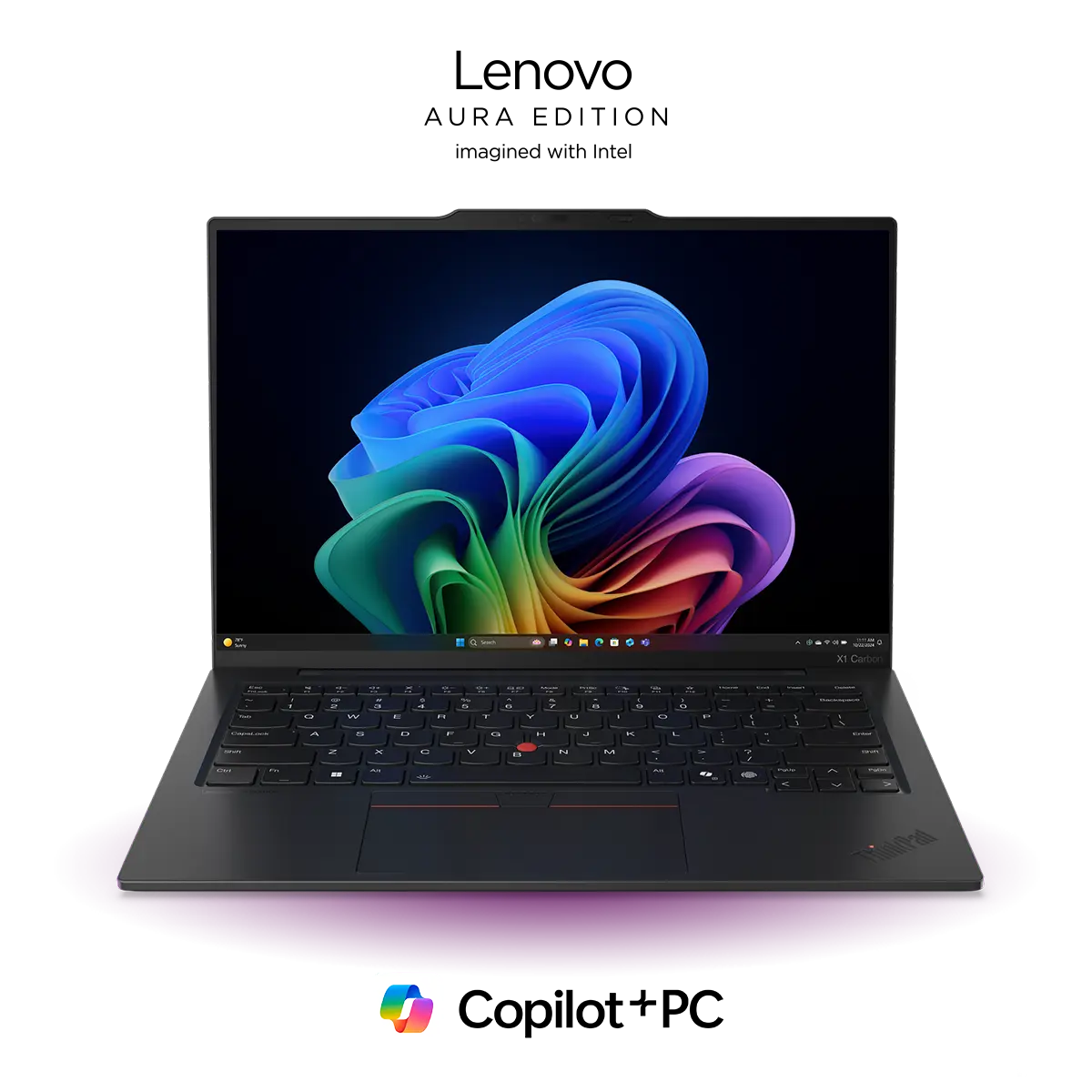
Your computer just got smarter. AI PCs are changing how we think about memory management. These devices don’t wait for you to close apps or clear cache manually. They learn your habits and optimize memory in real time. The traditional way of managing RAM involved constant monitoring and manual intervention. You had to track which programs consumed too much memory. You need to close background apps yourself.
These smart PCs eliminate this burden entirely. They use neural processing units to predict your needs before you even realize them. The system analyzes patterns in your workflow and adjusts memory allocation automatically. This means faster performance without any effort on your part. Your PC becomes more efficient the longer you use it. The technology behind these optimizations represents a fundamental shift in computing.
1. Smart Application Priority Management
AI PCs excel at understanding which applications matter most to you right now. These smart PCs track how you interact with different programs, instantly prioritizing active apps with NPU-driven memory prediction to keep critical workloads fast and latency-free. They notice which apps you switch between frequently and which ones sit idle in the background.
How Priority Detection Works
The Neural Processing Unit monitors active window time and user interactions continuously.
- It identifies patterns in your workflow over days and weeks.
- Applications you use together get grouped as related tasks.
- The system then allocates memory resources based on these learned priorities.
Your video editing software gets maximum RAM when you’re working on projects. Your email client receives fewer resources when you haven’t checked it in hours. This dynamic allocation happens without any input from you. The PC makes these decisions hundreds of times per second.
2. Predictive Resource Allocation
Your AI PC knows what you’ll open before you click it. This optimization uses machine learning models trained on your specific usage patterns. The system builds a detailed profile of your daily computing routine.
- The technology analyzes temporal patterns and contextual triggers.
- It knows that opening your design software usually means you’ll need your graphics tablet drivers. It prepares these resources in advance.
- The system also learns seasonal patterns in your work. Month-end reports trigger different memory allocations than regular daily tasks.
This optimization reduces application launch times by up to 60%. Your workflow gives the impression of being very smooth and quick to react.
With AI PCs now being commonly used across various fields, their market is skyrocketing. As per a report, the global market of these smart PCs is expected to surpass $2551.8billion by 2035.
3. Intelligent Cache Management
Cache memory can either speed up your system or slow it down dramatically. AI PCs maintain optimal cache levels automatically. The system decides what data deserves fast-access memory storage.
The neural processor tracks file access patterns across applications. It identifies which assets your current project relies on most heavily. These elements remain in high-speed cache regardless of when you last opened them. The system also predicts related files you might need soon.
Key advantages of intelligent cache management include:
- Faster file loading times for frequently used documents.
- Reduced disk read operations that drain battery life.
- More available memory for active applications.
- Automatic cleanup of obsolete cached data.
4. Adaptive Memory Compression
Memory compression sounds technical, but the concept is straightforward. These smart PCs squeeze inactive data to make room for active processes. This happens dynamically based on real-time memory pressure.
The Compression Process
When available RAM drops below optimal levels, the system identifies candidates for compression. Inactive application data gets compressed using specialized algorithms. The compressed data occupies significantly less space in memory. This creates room for new tasks without closing existing applications.
- The AI determines which data compresses effectively and which should move to disk instead.
- Some file types compress to 30% of their original size. Others barely shrink at all. The system makes these calculations instantly.
When you return to a compressed application, the data decompresses in milliseconds. You experience no noticeable delay. The entire process remains invisible to you as the user.
5. Background Process Optimization
Background processes often consume memory without providing immediate value. AI PCs distinguish between essential background tasks and unnecessary ones. The system manages these processes with surgical precision.
Windows updates and antivirus scans still run, but at intelligently chosen times. The AI schedules these tasks during low-activity periods. It monitors your usage patterns to find optimal maintenance windows.
The system also manages background app refresh intelligently. Your weather app doesn’t need to update every five minutes. The AI extends refresh intervals for low-priority information. Critical apps like messaging services maintain frequent updates.
Benefits you’ll notice immediately:
- Faster system startup with no manual configuration needed.
- Longer battery life on laptops and mobile devices.
- Reduced fan noise from lower overall system load.
- More responsive performance during intensive tasks.
6. Memory Leak Detection and Prevention
Memory leaks plague traditional computing systems. Applications sometimes fail to release memory properly. Over time, this leads to system slowdowns and eventual crashes.
These smart PCs actively search for memory leak patterns. The neural processor monitors how applications allocate and release memory over time. It identifies abnormal retention patterns that indicate potential leaks.
- When the system detects a problematic application, it takes corrective action.
- Mild leaks get managed through forced garbage collection.
- Severe leaks trigger application restart requests. The AI balances system stability with user workflow disruption.
The prevention aspect proves even more valuable. The system learns which applications tend to leak memory under specific conditions. It implements preemptive measures before problems develop.
Your computer maintains stable performance over days and weeks. You no longer need to restart your system regularly to clear memory issues. The AI handles these problems before they affect your experience.
Conclusion
AI PCs transform memory management from a manual chore into an invisible background process. These six optimizations work together to create a computing experience that gets better over time. Your system learns your habits and adapts to your specific needs.
The future of computing isn’t about more RAM or faster processors alone. It’s about smart PCs that maximize every resource automatically. Your next computer will manage itself so you can focus on what actually matters.
