
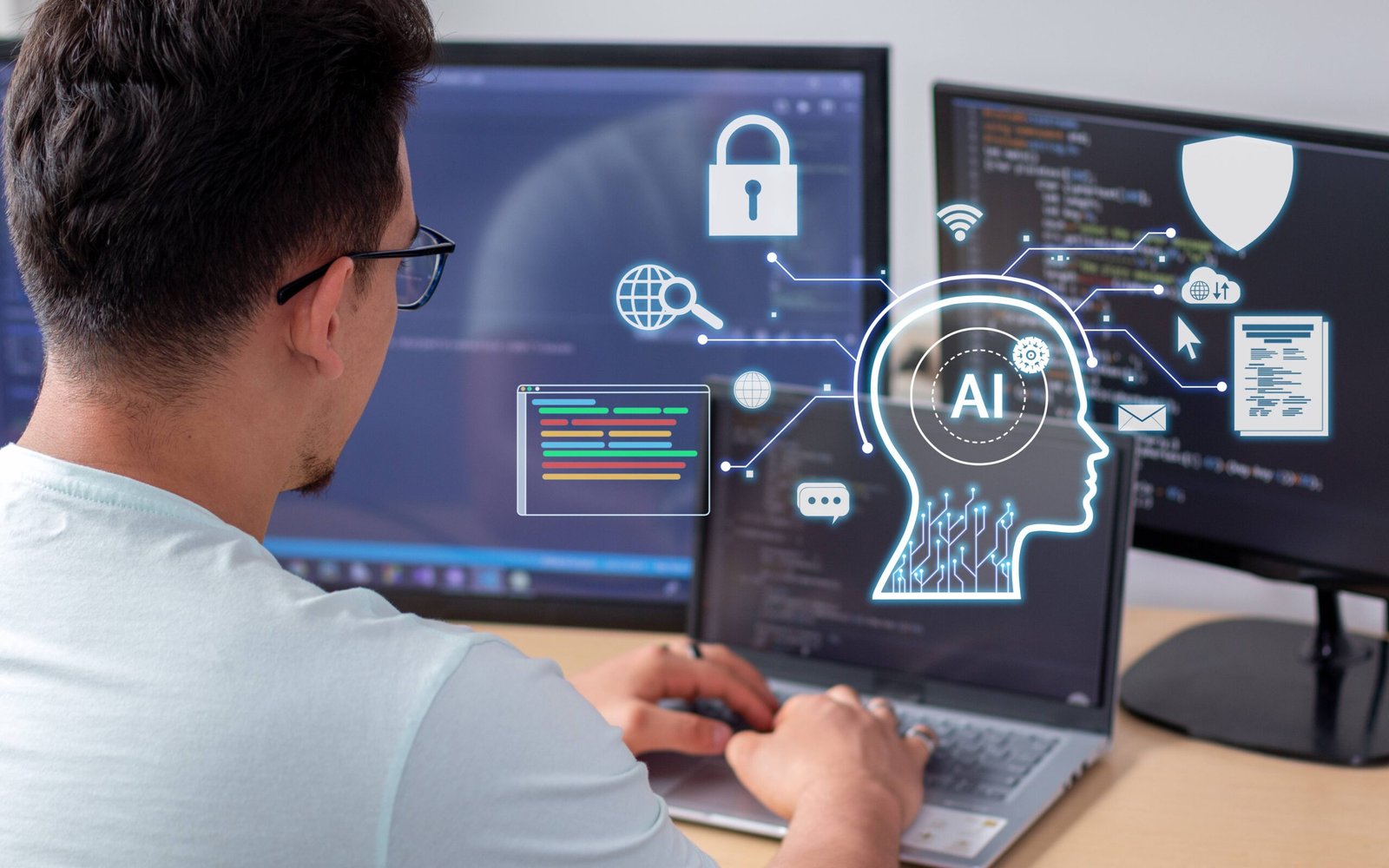
Mornings in your office start with long lists, small tasks, and a clock that never slows down. You check emails, open files, and try to plan the day without losing focus. Many of those steps feel routine, and they often steal energy from the fun work you want to do.
An AI PC helps you flip that script. The device listens to your goals, learns your patterns, and offers quick paths that turn chores into chances to create. You turn notes into drafts, spreadsheets into charts, and ideas into slides with a few clear steps.
That mix of speed and trust builds confidence. You see progress sooner, and you find room for new ideas. With the right setup, your daily routine supports your creative side instead of fighting it at every turn.
1. Turning Chores Into Idea Starters
Inbox cleanups, file sorting, and calendar updates often drain time, yet each task holds useful context you can unlock. An AI PC can read your inbox with your rules and draft tidy replies, grouped by topic and tone. It can turn a messy to-do list into a simple schedule that respects your energy and breaks big tasks into smaller steps. You can ask it to take raw notes and produce a rough outline, then expand key points into a one-page brief.
Over days, the computer learns your style and offers templates that fit your routine. You keep control, you review results, and you choose what ships. That loop saves minutes on small steps and frees hours for creative thinking.
2. Enhancing Writing And Class Notes
Writing grows stronger when you see structure, and notes become useful when you can find them later. On an AI PC, you start with a simple prompt and get a clear outline that you can rearrange with drag and drop.
You add your voice, and the assistant helps trim fluff, fix grammar, and keep the tone kind and direct. Reading support helps too, because long articles shrink into key points, quotes, and a short checklist for follow-up.
Handwritten notes from a tablet or paper scan into searchable text, and tags link related classes, projects, or clients. When you face a blank page, brainstorming tools offer a few starter angles, not final answers, and that nudge gets you moving.
You can compare two drafts side by side and ask for a clean merge that keeps your best lines. This steady rhythm builds trust in your process and keeps writing from feeling heavy.
3. Speeding Visuals And Audio Edits
Creative work often needs pictures, clips, and sound that match your message. An AI PC helps you move from rough assets to polished media without long delays. You remove noisy backgrounds from photos, and you add clean edges in seconds.
- Auto-captions land on your videos with good timing, and you edit them like text.
- A quick storyboard helps you plan shots for a class reel or a product demo
- Style presets keep fonts and colors steady across slides.
- Audio tools reduce hum and level volume, so your podcast or voice-over sounds clear.
You can turn a plain sketch into a neat icon, then export sizes for web and social without manual steps. When you need fresh visuals, you set safe rules, add your brief, and generate small drafts locally for review.
4. Organizing Research And Meetings
Good ideas often hide in notes, links, and conversations that scatter across apps. An AI PC brings those pieces together so you can act with clarity. During a meeting, live transcription grabs key points and turns action items into a shared checklist.
Afterward, you get a short summary with decisions, owners, and due dates that you can drop into your calendar. Research flows better because the assistant groups sources by theme, highlights quotes, and tracks citations as you write. You can ask questions across files, and the system answers with links that jump to the exact spot.
When a deadline approaches, you see gaps early and fill them before stress builds. This smooth flow keeps projects on track and protects the time you need to shape the creative part of the work.
5. Protecting Privacy And Boosting Battery
Speed and safety matter when you handle personal data, school records, or client files. An AI PC runs many models on the device, which keeps sensitive content local while cutting wait times.
A built-in NPU handles heavy tasks with less power, so battery life stretches through long work blocks. You avoid surprise cloud fees because many features run without sending data away. Clear settings indicate what the system learns and the way it makes use of that learning and you can wipe or reset that memory when you require a clean start.
When your computer works quietly in the background, your mind stays open to new paths, and your day holds space for focused, joyful making.
Conclusion
An AI PC transforms the routine duties into new horizons by writing outlines, curating media, structuring research, and protecting privacy without making you sluggish.
You stay in charge, and you keep your human touch in every line, slide, and clip. Progress shows up sooner, and that view sparks new ideas for the next project. Over weeks, your routine shifts from busy work toward making things that matter to you and your team.
Keep testing features, keep tuning prompts, and keep saving time where it counts. Then put that time into curious work that lifts your skills and your story. Let each day end with one clear win, and let tomorrow start with a calm plan. With steady practice, your AI PC becomes a trusted partner that helps you turn effort into creative results.
