

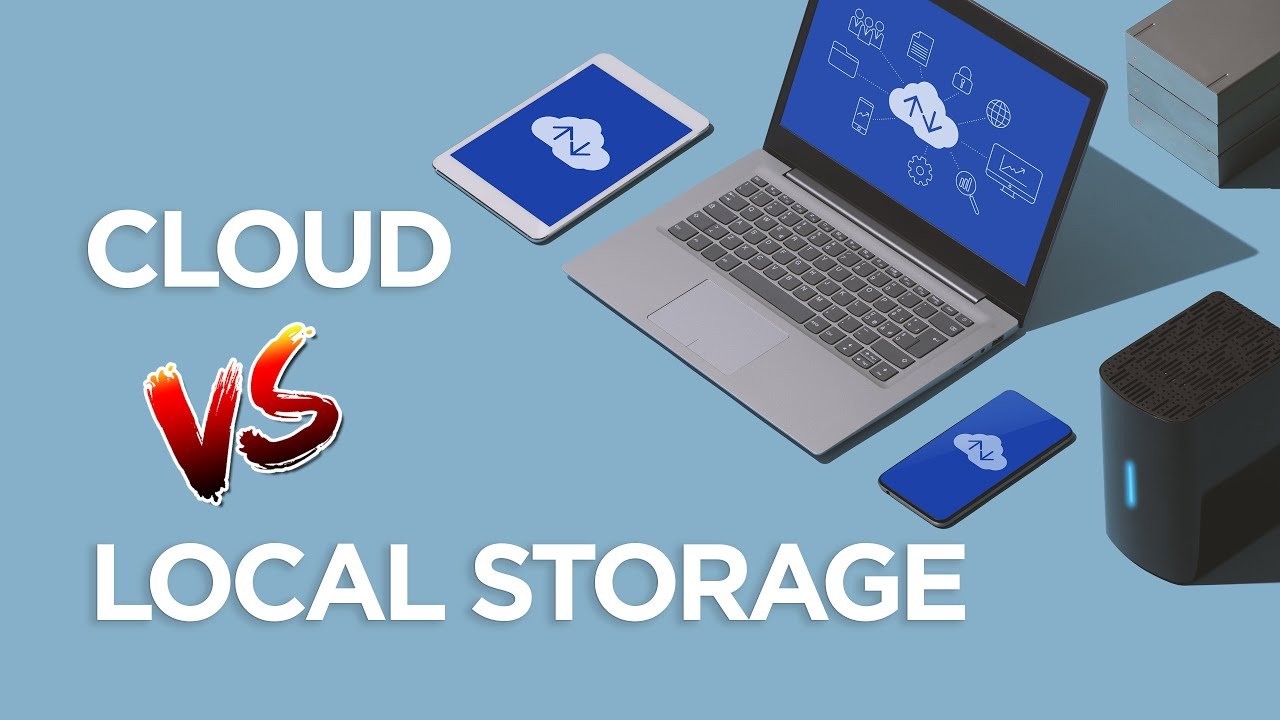
Cloud storage and local storage both hold your business files. The global cloud storage market size was valued at USD 132.03 billion in 2024 and is projected to grow from USD 161.28 billion in 2025.
Many small businesses now use cloud storage to save money and time. Local storage still feels secure because files are stored on a company computer. Business owners wonder what works best for their needs.
This article helps you compare both. It shows what works well for backup sharing and growth. It enables you to pick wisely.
What Is Cloud Storage and What Is Local Storage
Cloud storage refers to storing files on servers located remotely. You or your team can access them with an internet connection. You do not need a powerful computer. With cloud storage, you can access files from anywhere and help many people in a group. Updates occur quickly, and everyone sees the same file version.
Local storage refers to storing files on a device located at your physical location. A computer or a server box. Your files stay inside your office or home. You control who touches the machine. You see your files without internet. This can feel safe and direct.
Why Many Businesses Like Cloud Storage
Cloud storage helps with growth and ease. You pay for what you use. You do not buy heavy computers. You can add more space when you grow. Cloud storage helps remote teams.
Benefits That Make Cloud Storage a Good Choice
- You can open files from anywhere with internet access.
- Your team can share files without sending big folders.
- You get automatic backup, so you do not lose files by mistake.
- You avoid the cost of buying and maintaining hardware.
Cloud storage also helps when your staff work from different towns. They can see and edit the same files fast. You cut time and boost teamwork.
Differences Between Cloud Storage and Local Storage
| Feature | Cloud Storage | Local Storage |
| Accessibility | Access files from anywhere with the internet | Access files only on the device or network |
| Cost | Pay monthly or yearly based on usage | One-time hardware cost plus maintenance |
| Backup | Automatic backups and recovery | Manual backup needed |
| Collaboration | Easy file sharing with team members | File sharing is slower, often via USB or network |
| Security control | Managed by a cloud provider | Fully controlled by you |
| Scalability | Easy to add more storage as needed | Limited by physical hardware capacity |
Why Some Business Owners Prefer Local Storage
Local storage feels private and safe. You keep files under your own control. You do not depend on the internet. You may worry about net speed or outages. Some data rules may require you to keep data on-site.
Local Storage Strengths That Still Matter
- You can open files even without an internet connection.
- You control the hardware, and you know who uses it.
- You avoid monthly fees for storage service.
- You keep sensitive data inside your own walls.
Local storage gives you full control. You decide how to secure the machine. You know your data stays inside your business walls.
When Cloud Storage Works Better for Business
Cloud storage suits many modern business needs.
- If you have remote workers or many offices
- If you need fast sharing of files with clients or staff
- If you expect business growth and need more storage
- If you want automatic file backup and secure copies
- If you want to avoid hardware cost and maintenance
Cloud storage makes scaling simple. You pay for the space you need, not more. You get help from experts who run cloud servers. You avoid worries about hardware breaks.
When Local Storage Makes More Sense
Local storage is adequate in certain instances.
- If your internet is slow or unreliable.
- If you handle sensitive data requiring strict control.
- If you want no recurring subscription cost.
- If you have a tech team to manage hardware and safety.
- If you want maximum control over the storage location.
Local storage gives you full responsibility and full control. You make all the rules. You decide how files stay safe.
How to Choose What Works Best for Your Business
It is entirely your requirement that determines which storage you choose.
Begin by considering your daily tasks. Do team members share files often? Do you work from different places? Do you expect growth soon? Do you have a tight budget for hardware?
Then consider safety. Do you require strong privacy? Do you want unmanaged backups? Do you always have a dependable internet connection?
Lastly, consider the time and financial commitment. Are you prepared to pay for a cloud service on a monthly basis? Or is it better to invest in hardware once and manage it yourself?
You can also try a mix of both. Keep critical data on local storage. Use the cloud for backups and team sharing. That way, you enjoy both control and convenience.
Final Thoughts: Which Option Fits Best
Cloud storage gives you flexibility, growth, and ease. It helps if you want remote access, secure backup, and simple sharing. Many small businesses thrive using cloud storage. Local storage gives you control, privacy, and no recurring fees. It works well if your data stays inside the office and you control the hardware.
Your business is unique. Consider your needs, including internet access, staff location budget, and data type. Then pick what fits you. You can choose cloud storage, local storage, or even both. You will find the right fit for your work.
