
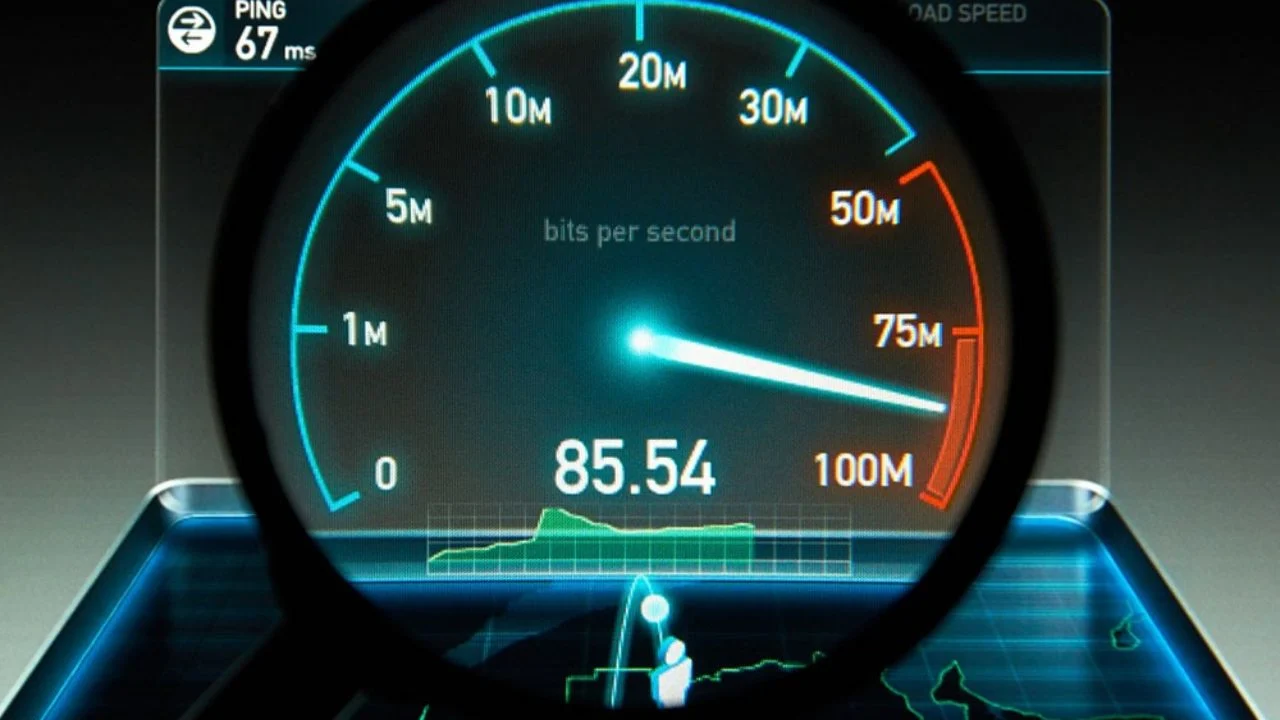
A slow internet connection can affect almost everything you do online—streaming videos, joining video calls, browsing websites, gaming, or uploading files. When pages take too long to load or videos buffer constantly, many people ask the same question: How do I test my internet speed?
Running an internet speed test is one of the simplest ways to understand whether your connection is performing as expected. It helps you identify network issues, compare internet performance over time, and decide whether improvements are needed.
This beginner’s guide explains how internet speed testing works, what the results mean, and how to get accurate measurements so you can make informed decisions about your connection.
What Is an Internet Speed Test?
An internet speed test measures how quickly data moves between your device and a testing server.
When you test internet speed, the tool checks three important performance indicators:
- Download speed
- Upload speed
- Ping (latency)
These measurements help determine whether your internet connection supports everyday activities such as streaming, browsing, gaming, remote work, and video conferencing.
Testing speed is useful because internet performance can change throughout the day depending on network traffic, device usage, and connection quality.
Key Internet Speed Metrics Explained
Understanding your results helps you get more value from every test.
Download Speed
Download speed shows how quickly information travels from the internet to your device.
Higher download speeds improve:
- Video streaming
- Website loading
- App downloads
- Online browsing
Measured in Mbps (megabits per second), this is usually the number most users focus on.
Upload Speed
Upload speed measures how fast your device sends information online.
Good upload speed matters for:
- Video calls
- Uploading files
- Cloud backups
- Live streaming
Ping (Latency)
Ping measures response time.
Lower ping means faster communication between your device and internet servers.
Ping is especially important for:
- Online gaming
- Voice calls
- Real-time collaboration
Together, these measurements create a complete view of your connection quality.
What Is a Good Internet Speed?
There is no single perfect speed because different households have different needs.
As a general guideline:
- 10–25 Mbps — Basic browsing and email
- 25–100 Mbps — HD streaming and multiple users
- 100–300 Mbps — Remote work and heavier usage
- 300+ Mbps — Large households and high-demand activities
Upload speed and stability also matter—not just download numbers.
If your actual performance consistently falls below expectations, it may be time to investigate further.
How to Test Your Internet Speed
If you want to test my internet speed, follow these simple steps:
Step 1: Prepare Your Device
Before testing:
- Close background downloads
- Pause streaming apps
- Disconnect unused devices if possible
Step 2: Connect to Your Network
Use either:
- Wi-Fi
- Wired connection
- Mobile data
Test under normal usage conditions.
Step 3: Run Multiple Tests
Open a trusted speed testing tool and run the test.
For better accuracy:
- Test 2–3 times
- Repeat at different times of day
- Compare results
Step 4: Analyze Results
Look at:
- Download speed
- Upload speed
- Ping
Avoid judging internet quality using only one measurement.
Best Tools to Check Your Internet Speed
Choosing the right tool can make testing faster and more reliable. If you regularly ask questions like “How do I check my internet speed?” or “Where can I test my internet speed quickly?”, TestMyInternet.us is a practical option.
TestMyInternet.us is designed to make speed testing simple for everyday users.
Benefits include:
- Free to use
- No registration required
- Fast results
- Accurate measurements
- Easy interface
- Works on desktop and mobile devices
- Measures download speed, upload speed, and ping
Because the platform focuses on simplicity and usability, users can launch an internet speed test without unnecessary setup.
How to Improve Your Internet Speed
If your results are slower than expected, try these practical improvements:
- Restart your modem and router
- Move closer to your Wi-Fi source
- Reduce connected devices
- Update device software
- Use modern router hardware
- Limit background downloads
- Position your router centrally
Small adjustments often lead to noticeable improvements.
How Often Should You Test Your Internet Speed?
You do not need to run tests every day.
Testing is most useful when:
- Internet feels slower than normal
- You changed providers
- You upgraded equipment
- Streaming quality dropped
- Video calls became unstable
For general monitoring, checking once or twice each month is usually enough.
Conclusion
Running an internet speed test is one of the easiest ways to understand your connection and solve performance issues before they become frustrating. By learning how download speed, upload speed, and ping work together, you can make smarter decisions about your network and improve your online experience.
Whenever you want to test internet speed online, compare results, or simply check my internet speed quickly, using a trusted and user-friendly platform like TestMyInternet.us can make the process easier and more reliable.
